1
Navigate To Website Tools in Squarespace
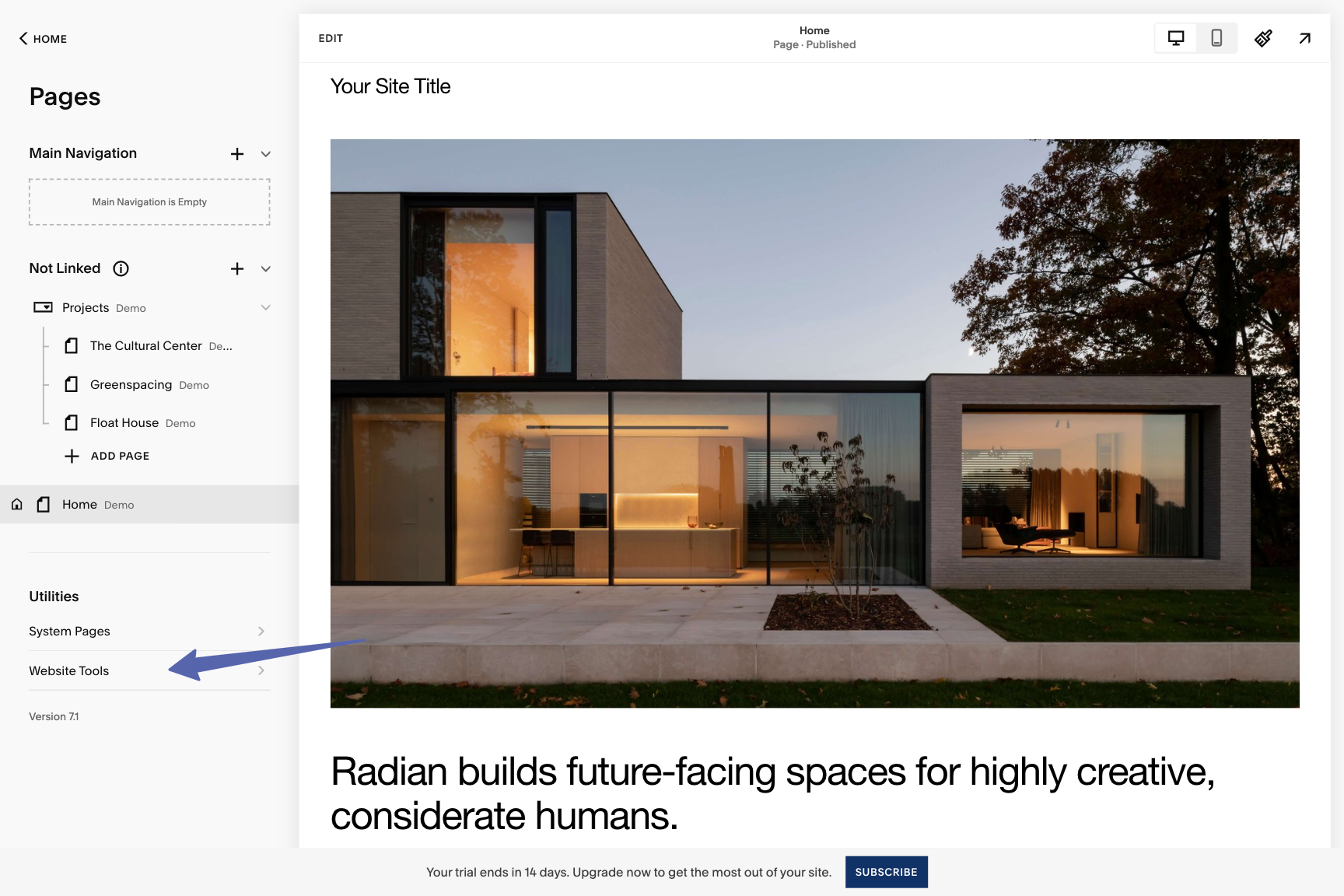
- Log in to your Squarespace account and navigate to your website.
- Click on Website in the top menu and then select Pages.
- Under Utilities, click on Website Tools.
2
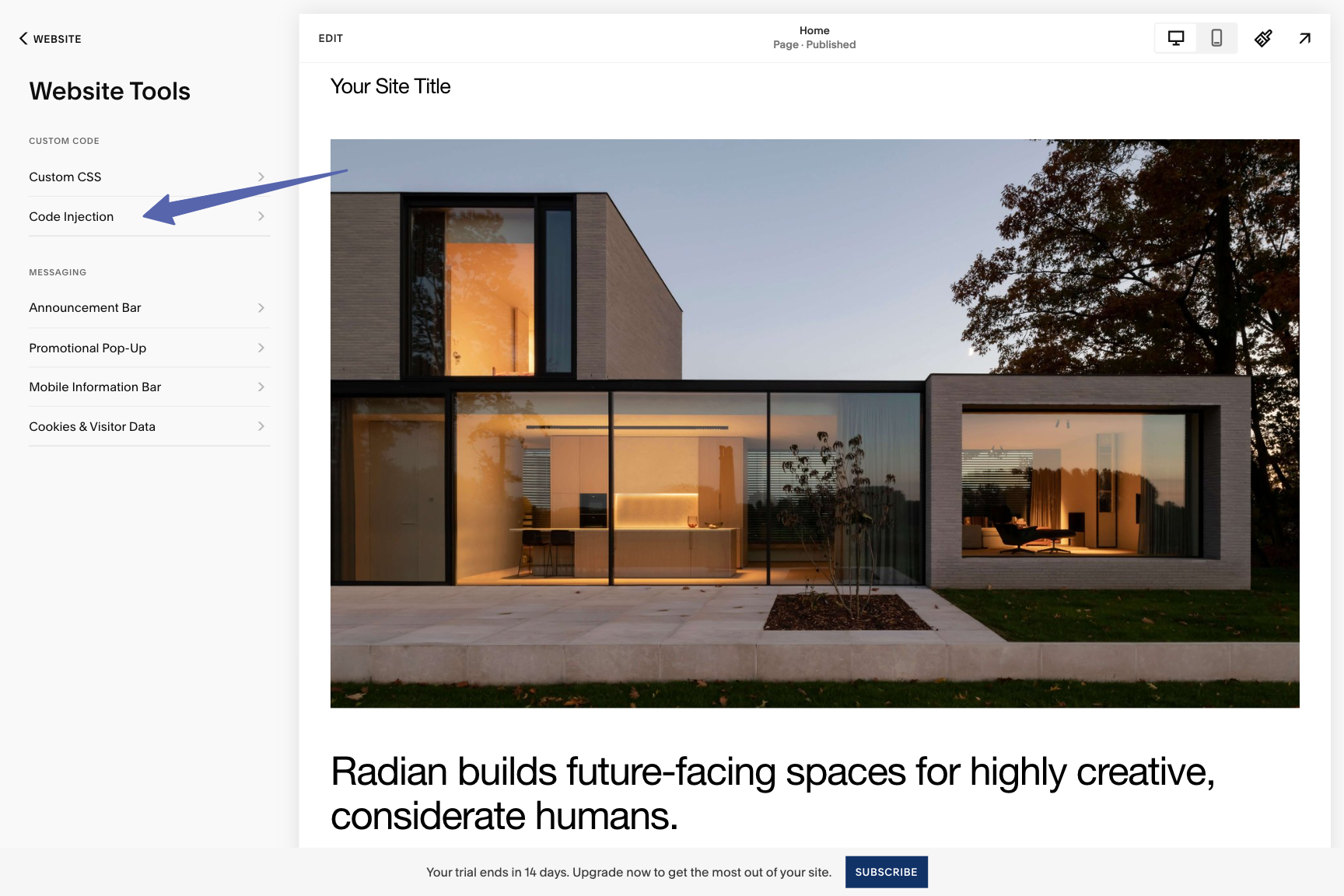
Navigate To Code Injection
- Under Website Tools, click on Code Injection.
3
Copy Chatbot Script Tag from WebAgent.ai
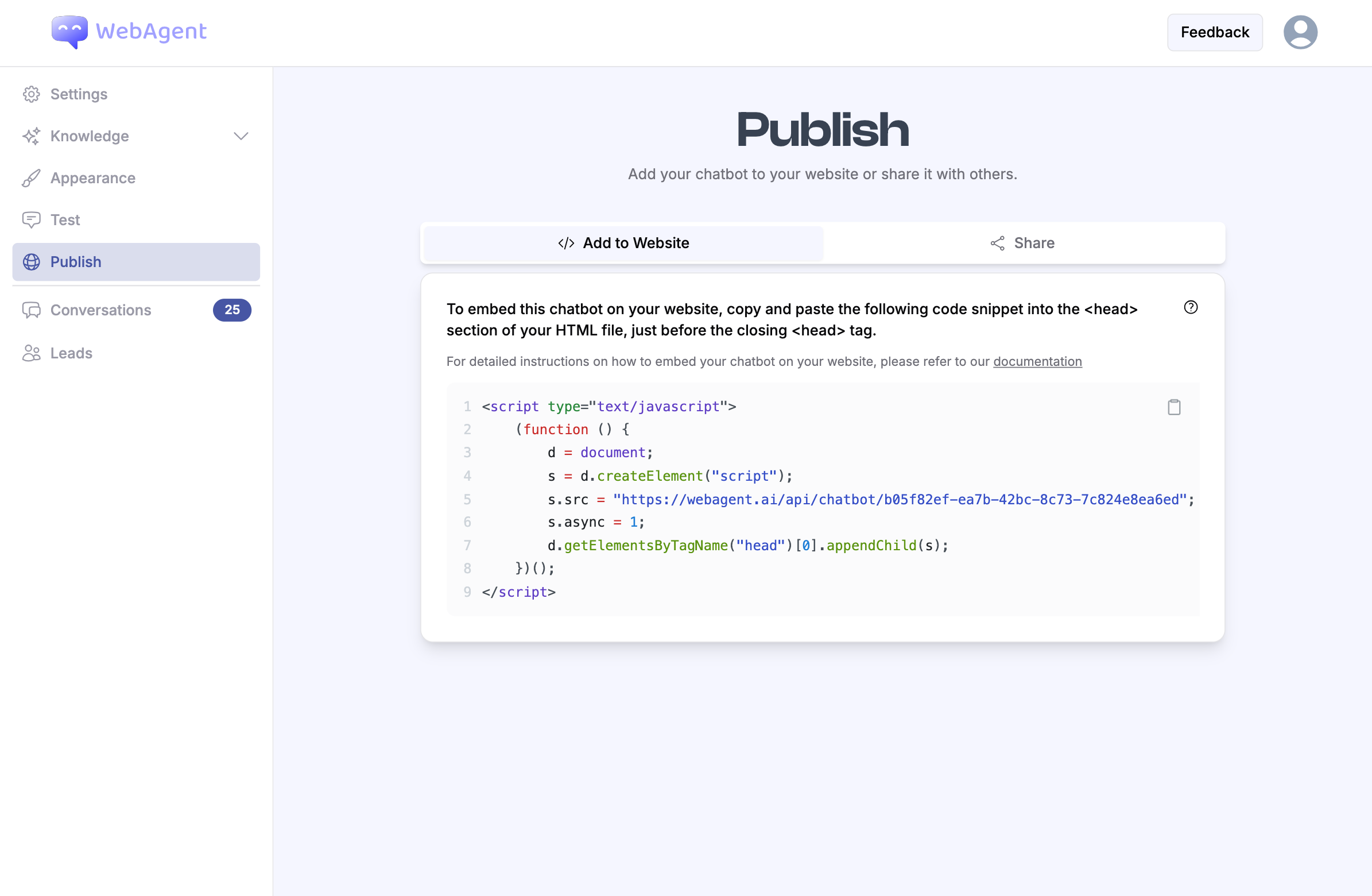
- Log in to your WebAgent.ai account and go to the Publish.
- Click on Add to Website and locate the script tag provided.
- Select and copy the entire script tag.
4
Add Script Tag to Header Section
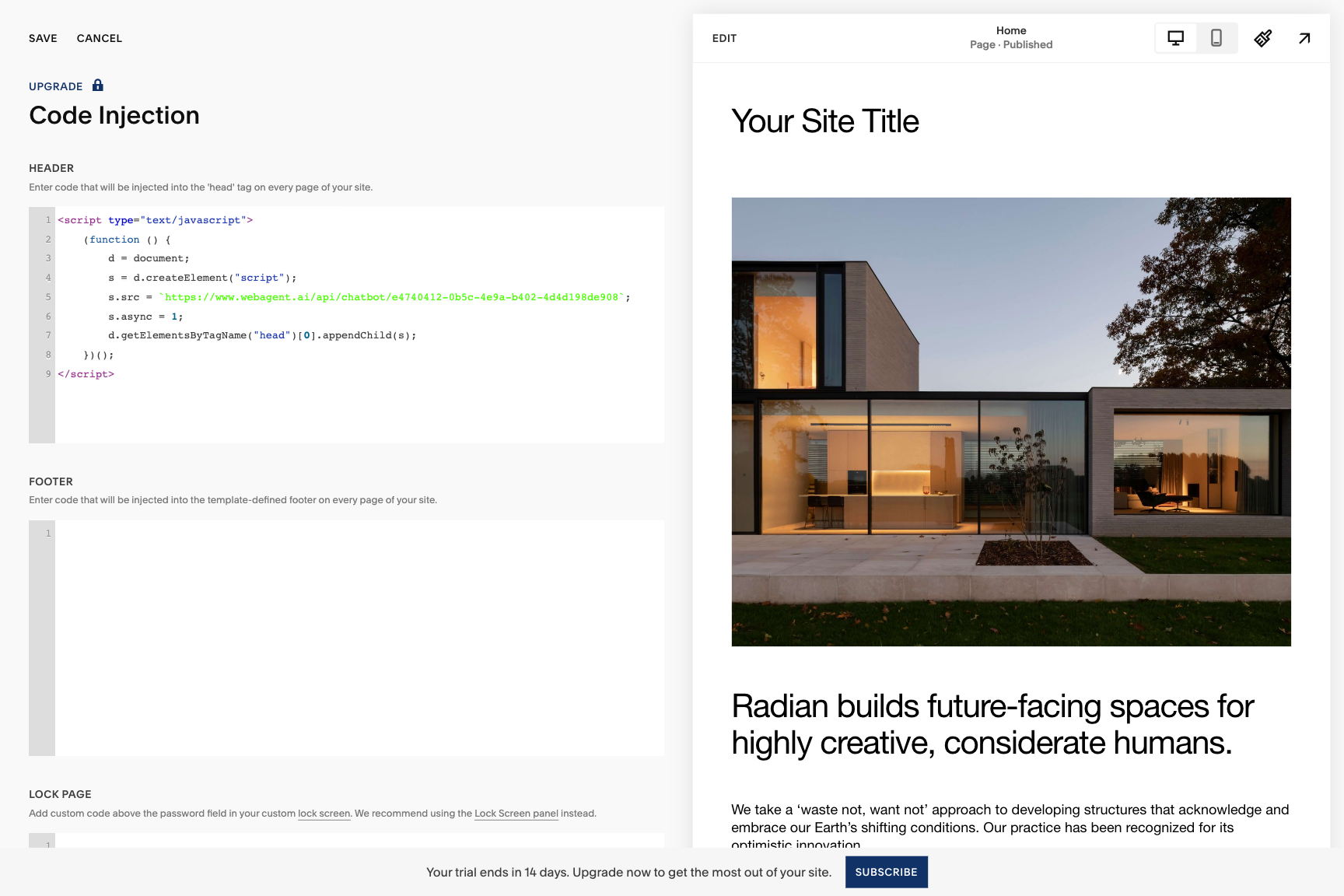
- Paste the script tag you copied from WebAgent.ai into the Header section.
- Click Save to save the changes.